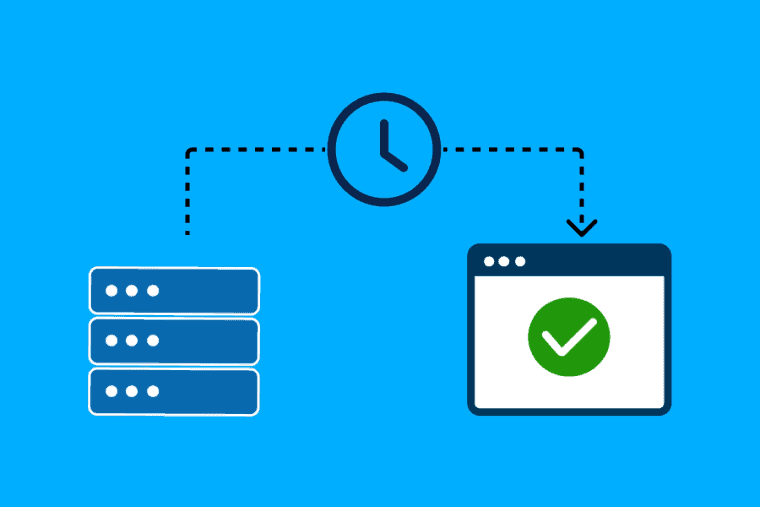


It’s not just the design and content of the website. There are a lot of important things that happen behind the scenes, automatically. They will keep your site secure, running great and optimized. Add cron jobs. Whether you run a small blog or a big web application, cron jobs can help you automate routine tasks and save you time.
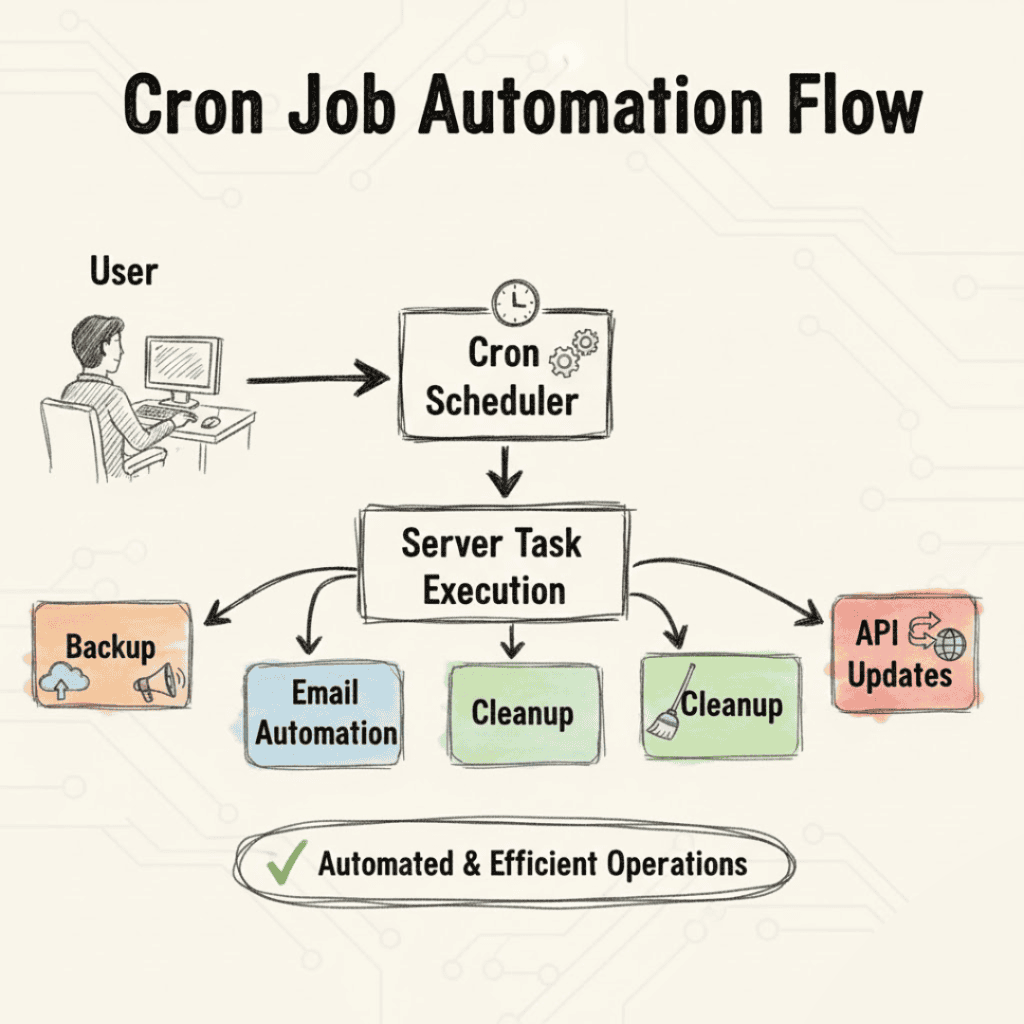
What is a job that runs on a cron? (A Simple Definition)
Your webserver has a cron job configured to run at some point every day. It is a timer/alarm for your web site. You can set up a cron job to run at a specific time, or on a daily, weekly or monthly basis, or even at intervals of every few minutes.
For instance:
- Do you want to backup your database every night at 2:00am? cron job installation.
- Want to delete temp files each week? Make a cron job.
- Want to send your users a weekly newsletter without doing any work? Create a cron job
This feature is usually called either “Cron Jobs” or “Scheduled Tasks” and is available in cPanel, Plesk or other control panels.
Why Hosting Needs Cron Jobs
Cron jobs are a way to automate tasks that are repetitive, time consuming or easily forgotten.
Why They’re Important:
- Save the time. Automate tedious tasks.
- Automation reduces the number of errors.
- Deleting unnecessary files improves your website’s performance
- Regular data back-up for extra security
- Create sophisticated workflows for email, alert or analytics automation
So for your website, cron jobs are a better solution and they will not ask you anything.
How Cron Jobs Work in Simple Terms
A cron expression is used to set up a schedule for cron jobs to run. It has five values:
Minute | Hour | Day of the Month | Month | Day of the Week
For example:
- “0 3 * * *” means “Run every day at 3 AM”
- “*/10 * * * *” means “Run every 10 minutes”
Most hosting panels will have drop down menus to set this schedule for you so you don’t have to remember the format.
1. Backing up websites automatically
But what if your server goes down and you don’t have a backup of your site? You will not have this problem with a cron job.
You could write a script to backup your database and files and run it at 2am every night.
Good for:
- Blog
- eCommerce websites
- Members (Sites)
2. Automatic email (newsletters and alerts)
For example, your site might use cron jobs to automatically send out regular emails, like daily reports or weekly newsletters.
Send your subscribers a weekly digest, every Monday at 8am.
Good for:
- Marketing Websites –
- News Websites
- CRM software
3. Cleaning up and speeding up the database
Databases are frequently packed with logs, temp data, expired sessions, and spam. These can be cleaned up periodically using a cron job.
delete old logs after 24 hours to reduce the load on the database.
Good for:
- Network Sites
- Web Applications
- Discussion and commentary
4. Clean up the cache and temporary files
Websites create temporary files that can slow you down. Cronjobs do it themselves.
You could have a script running that deletes unnecessary cache files every hour.
5. Running Scripts for APIs and Connections
f your site pulls data from other sources, such as stock prices or product availability, you can also use cron jobs to update the data periodically.
For instance: Download new API data every 15 minutes
How to Set Up a Cron Job on Your Hosting Account (Step by Step)
Step 1: Go to the Cron Jobs area
In your web hosting control panel (eg. cPanel):
Click Cron Jobs Click Advanced Click
Step 2: Pick the Time Frame
Choose how often you want the task to happen:
- Every minute
- Every hour
- Every day
- Every week
- Once a month
Step 3: Type in Your Command
You will run a command like this:
php /home/user/public_html/backup.php
This tells the server to run a particular script at a time that you specify .
Step 4: Save
Then when you save it, the cron job will automatically run.
Best Ways to Use Cron Jobs
- Avoid things that require a lot of doing. They can bog the server down to a crawl.
- Check the logs to verify that the job is running correctly.
- Make sure your scripts are secure, they should not run in public areas.
- Manually run test scripts before scheduling.
Conclusion
Cron jobs are a feature of web hosting servers that are useful because they can be used to automate tasks that need to be run again and again. backups, email, cleaning up and running scripts and the like. Learning how to create cron jobs can help make your website run faster, safer and more reliably without you having to do everything yourself all the time. Whether you want a personal blog or a business app, learning how to use cron jobs will save you time and keep your site running smoothly.
